For choirs, orchestras, wind bands, brass bands, big bands and music schools: calendar, repertoire, sheet music and chat for your whole group.
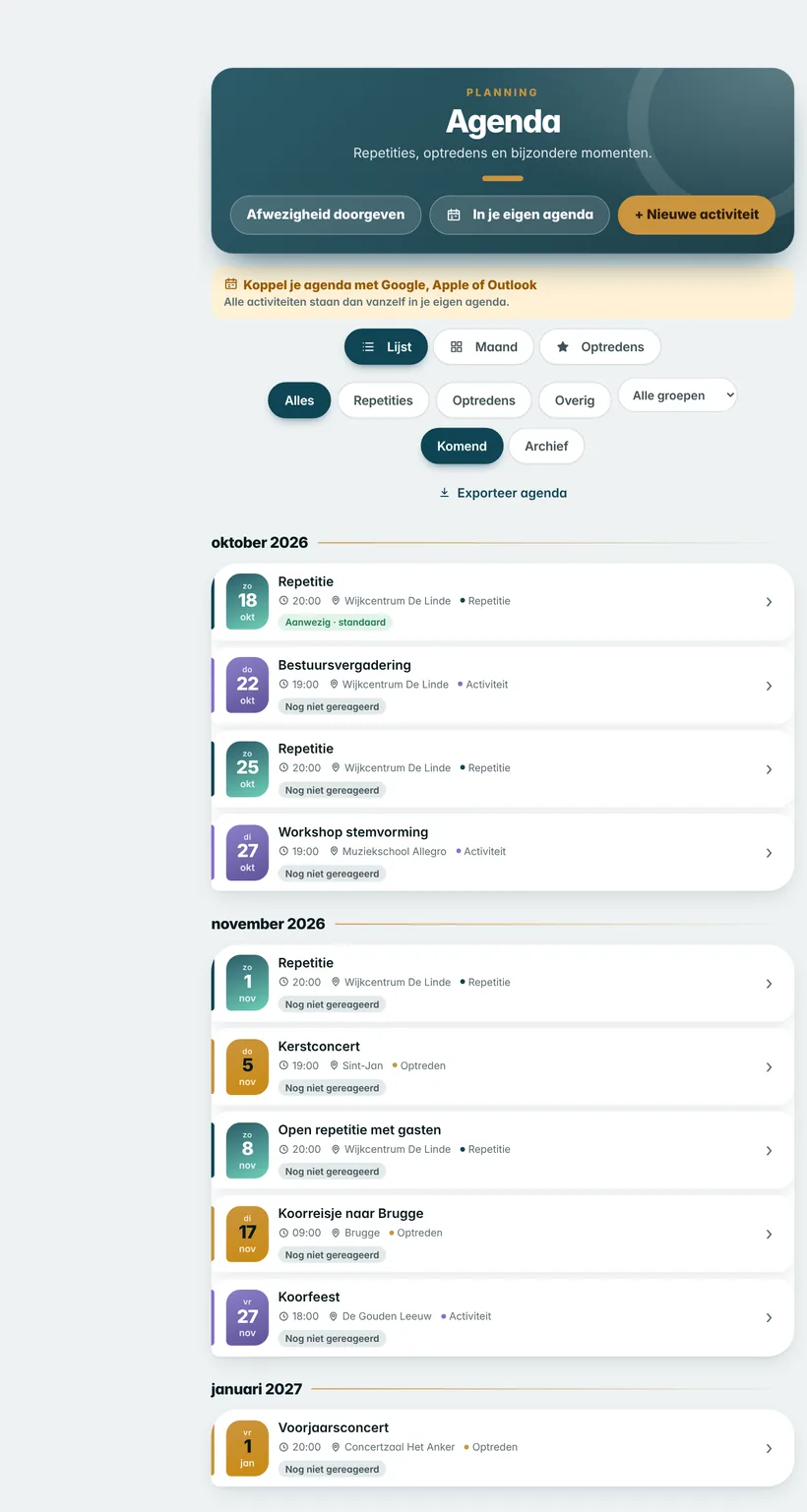
Calendar with attendanceRehearsals and concerts with accept and decline, and a view of who is coming, per voice or section.
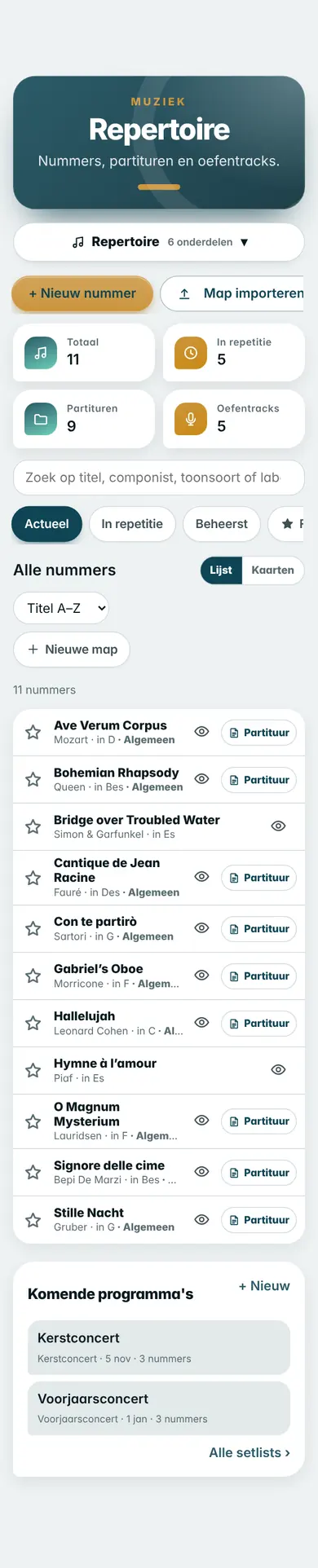
Repertoire and sheet musicScores, practice tracks per voice and setlists, available offline too.
Chat, messages and pollsEverything the group discusses in one place instead of scattered chat groups and emails.
Members, voices and committeesA member list with rights per role: member, board, conductor or admin. Everyone only sees what belongs to them.
Stage and practice modeRead your part on stage, practise at home with the tracks for your own voice.
For music schools and teachersLessons and lesson fees, if you want to use them.
For choirs, orchestras, wind bands, brass bands, big bands, music societies, music schools and private teachers.
The difference
Rehearsal and board, without separate files.
Other apps handle the rehearsal. For the board you are left with Excel, scattered email and a paper cash book. ENSAMIO keeps it all together, with no extra cost per module.
For the music
Schedule, attendance, sheet music with your Apple Pencil, practice tracks, a voice mixer, metronome and piano.
For the board
Roles and tasks per board member, a decisions list, committees and an overview of who does what.
For the treasurer
Cash book and dues: see who has paid, tick them off and the amount lands in the cash book at once.
Import your member list
As an administrator, bring your member list and schedule over from Excel with one file. No hours of retyping.
For teachers and lessons
A lesson schedule per student with cancellations, make-up lessons and lesson notes. Track lesson fees with invoices and a payment reference.
Sheet music
Music on your tablet, even offline
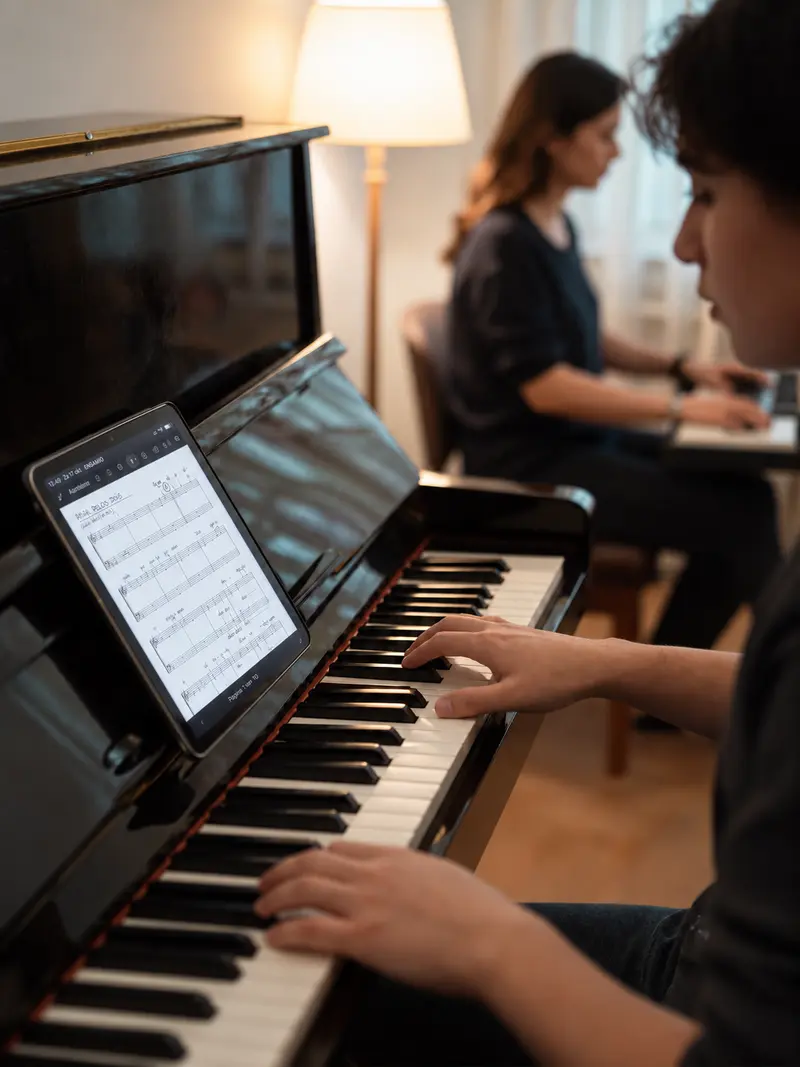
Save scores offline and write on them with your Apple Pencil. No more carrying copies and folders.
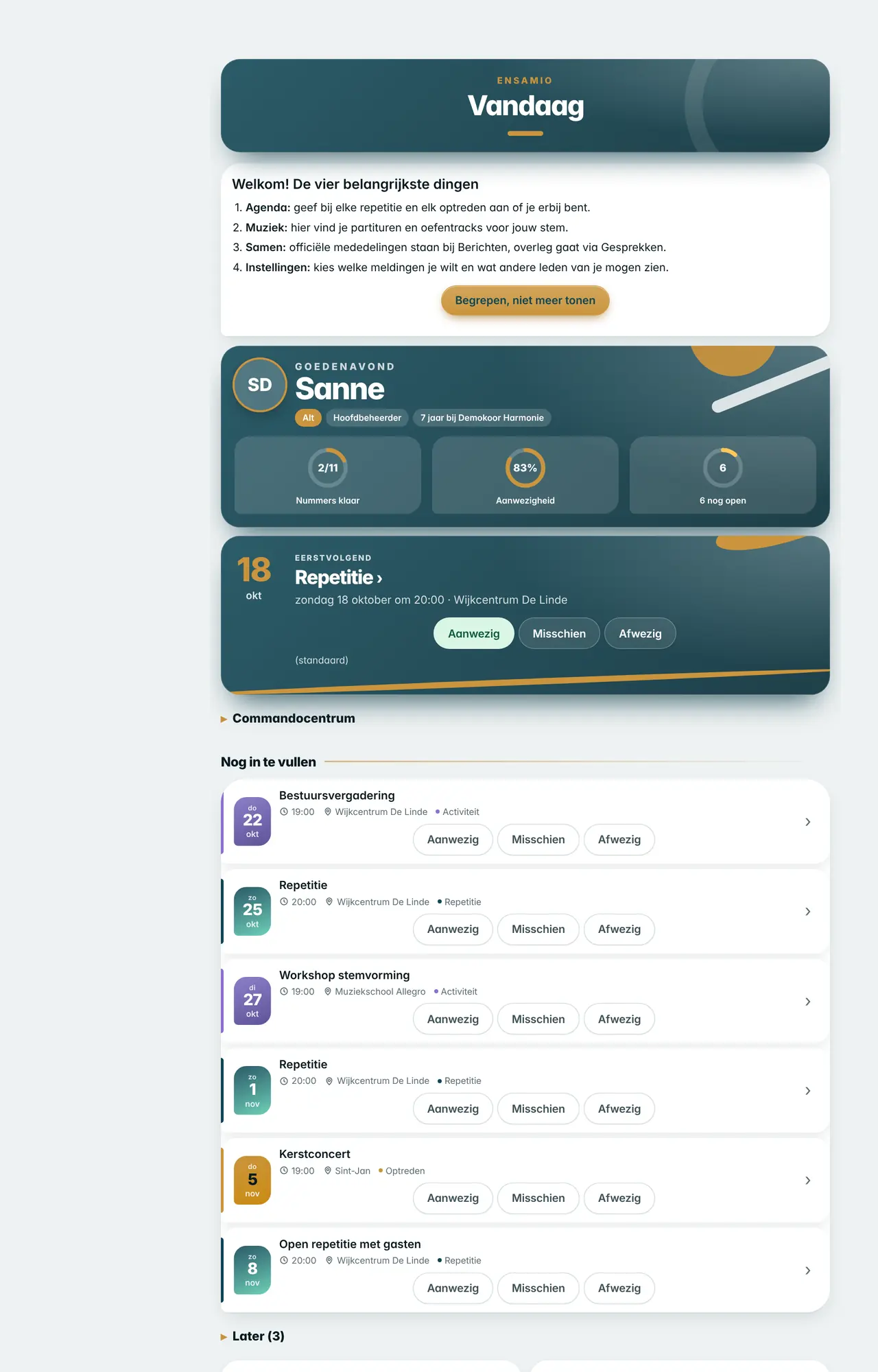
Schedule and attendance
Accept or decline with one tap
Members respond on the go. You see at once who is coming and whether the line-up works.
Together
Messages, polls and conversations
No more scattered chat groups. Everything your ensemble discusses sits next to the schedule and the music.
Mood images created with AI. They are not real customers or members.
Features
No more group chats for rehearsal plans.
Music
Repertoire and sheet music
Songs, scores and practice material per voice group. Save music offline so it works in the hall. Write on it with your Apple Pencil.
Practice and recordings
Members record themselves and share what they choose. The conductor listens in without extra files.
Setlists and stage view
Build a setlist and play it on stage: large type, chords, transposing, capo and the conductor’s notes. With seating plans for who stands where.
Practise with tempo
Play a practice track slower without changing the pitch, loop a tricky bar and turn your own part up. Photograph paper sheet music and turn it into a PDF.
Board and members
Schedule and attendance
Members accept or decline rehearsals and concerts with one tap. You see at once who is coming and whether the line-up works.
Talk together
Messages, polls and conversations per group or committee. No more scattered chat groups.
Files in order
All documents in folders, easy to find and safe to share, also to Drive, iCloud or OneDrive.
Management with permissions
Decide per role (board, conductor, assistant administrator, member) who can see or change what, and per person where needed. Members only see what is meant for them.
Notes and files
Notes for yourself or for everyone, attached to a song or a gig, with files alongside. Delete with a swipe.
Gigs and business
Gigs and rider
A run sheet for the day that everyone can read and a rider with your logo as a PDF for the venue, with standard text for your kind of group.
Bookings, quotes and invoices
Follow a booking from request to payment, create the quote and invoice as PDF and settle the accounts after the gig. This is the Business option.
Shifts and stand-ins
A shift schedule for the bar or the build-up.
How it works
From sign-up to the first rehearsal in the calendar.
1
Create your organisation
Choose a name and a logo. Set up your voice groups or instruments.
2
Invite your members
By link, WhatsApp, e-mail or with a temporary password. Each member picks what suits them.
3
Everything in one place
Schedule, sheet music and messages. Members accept or decline with one tap.
Your own calendar
Works with Google, Apple and Outlook.
Link your ensemble's calendar once. All rehearsals and concerts then appear in the calendar you already use. Or add a single event to your own calendar with one tap.
Google Calendar
Apple Calendar
Outlook
ENSAMIO Ensemble replaces the separate chat groups, Excel lists and folders of copies that many choirs and orchestras still use. Members accept or decline with one tap, and the conductor and board see at once who is coming and whether the line-up works. Scores are in the app, you can write on them with your Apple Pencil and you can keep them offline for a hall without reception. Every voice group has its own practice tracks, and the mixer lets you turn up your own part. The board has a private space with decisions, tasks and committees, and the treasurer keeps track of membership fees and the cash book. You decide per role who sees what. Members install nothing: the app works in the browser and sits on your home screen. For music schools there are lessons, lesson fees and linking parents to their children. Starting is free.
No. ENSAMIO works in the browser and can be put on the home screen of a phone or tablet. You do not need an app store.
Is it suitable for a small choir or a big band?
Yes. The Small plan is meant for groups of up to 15 people and is free. Larger groups choose a plan by number of members, from Starter to Enterprise.
Do members only see what is meant for them?
Yes. You set per role who sees or may change what: member, leader, board or administrator. The board and every voice group have their own private space.